Languages





Platform:
Important!
Dashboard of your Association. Make full use of the Quick Menu on your left.
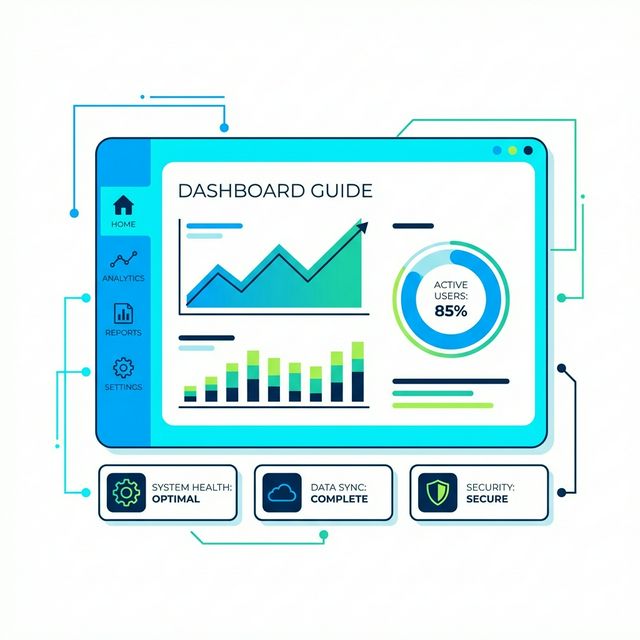
The dashboard displays key statistics about your members:
Current Members
Connected Members
Up to date Members
Members with phone number
Dashboard
The finance section shows a summary of:
Contributions Collected
Expenses
Balance
Tips!
- Make full use of the Quick Menu on your left.
- Use the Quick search inside each menu to filter elements.
1
How to register Members
Add Member Categories
2
How to register Contributions
Add the Contribution Types
3
How to register Information
Add the Information categories
4
How to Register Meeting Reports
Add the Meeting Venues
5
How to add Board Members
Add Board Positions
6
How to add Administrators
Invite someone to join the administration of your Association with their email address